Data 360
Connecting Data 360 to Amazon Redshift: the zero-copy connector, IdP auth, and the two directions data can flow
You already have the Snowflake and BigQuery bridges. Redshift is the one people skip, and its setup is different: OpenID Connect trust, an IAM role with an external ID, and a JDBC URL, not a service account. Here's the federation connector step by step, the two directions zero copy runs, and the gotchas that decide whether a live query is fast or a governor-limit disaster.
Every zero-copy write-up starts with Snowflake, because that’s where the pattern got famous. Then someone does BigQuery, because Google made it easy. Redshift is the one that gets a paragraph and a link, and it’s the one where teams get stuck, because the auth model is nothing like the other two. There’s no service-account JSON key to paste, no Snowflake-style token exchange. Redshift’s connector authenticates through OpenID Connect and an AWS IAM role you have to build by hand, with a trust policy and an external ID, and if any one of those three pieces is wrong the connection fails with an error that doesn’t tell you which one.
This is the post that walks the Redshift connector end to end: what “data federation” means here versus the sharing you’ve already read about, the exact setup path on both the Salesforce and AWS sides, and the operational gotchas that decide whether a federated query returns in a second or drags your credit bill and your latency through the floor. It’s the missing sibling to the BigQuery zero-copy connector and the zero-copy explainer. Same principle, a materially harder setup.
Federation and sharing are two different directions
Before any clicks, get the direction straight, because “zero copy with Redshift” is really two features pointing opposite ways, and people conflate them constantly.
- Data federation (Redshift → Data 360). You register an external Redshift table as a source in Data 360. At query time, Data 360 runs a live query over JDBC against your Redshift cluster, pulls the rows it needs into memory, and uses them, without ever storing a copy. Redshift stays the system of record; Data 360 reads it in place. This is the connector this post sets up.
- Data sharing (Data 360 → Redshift). The reverse: you expose unified Data 360 tables so that Amazon Redshift Spectrum can query them, brokered through the AWS Glue Data Catalog and AWS Lake Formation. Now your analysts run Redshift SQL that joins your warehouse data against a live Salesforce unified profile, again with nothing copied.
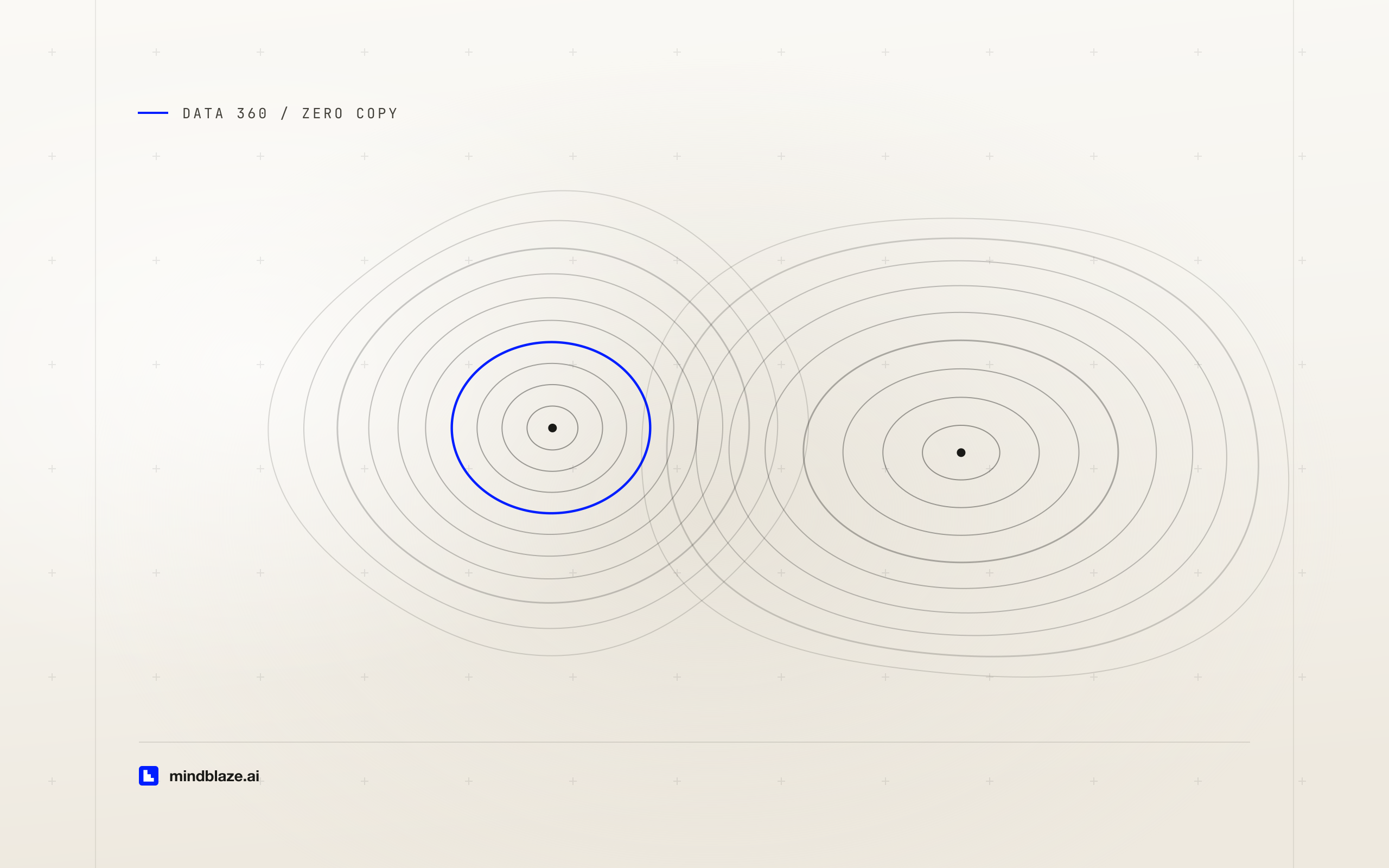
Zero copy is not one bridge. It’s two: federation reads Redshift into Data 360 on demand, and sharing exposes Data 360 out to Redshift. Decide which problem you have before you touch Setup, because the setup, the auth, and the failure modes are different for each.
Most teams start with federation, because the reason they’re here is usual: there’s a table in Redshift (order history, product telemetry, a churn score from the data-science team) that they want to ground an agent on or unify into a profile without standing up yet another batch pipeline. That’s the direction we’ll build.
Why the auth is the hard part
The BigQuery and Snowflake connectors hand you a comparatively short path because the identity handoff is a credential you paste. Redshift’s federation connector uses Identity Provider-Based authentication, where Salesforce’s org acts as an OpenID Connect identity provider that AWS trusts, and the actual database access rides on an IAM role you create in your own AWS account. That’s more moving parts, but it’s also the more defensible design: no long-lived database password lives in Salesforce, and you can revoke access by detaching a role instead of rotating a secret.
There are three artifacts you have to line up, and they reference each other:
- An OpenID Connect identity provider in AWS IAM that points at your Salesforce My Domain URL.
- An IAM role that trusts that provider and carries the permissions to read Redshift.
- An external ID (Data 360 also calls it the connection ID) that Salesforce generates and that must appear in the role’s trust policy, so the role can only be assumed for your specific connection.
Get these to agree and the rest is a JDBC URL.
Setting it up, step by step
1. Start the connection in Data 360
In Data 360, go to Data Cloud Setup → External Integrations → Other Connectors → New, and choose Amazon Redshift. Select Identity Provider-Based authentication. Salesforce immediately shows you a unique external ID for this connection. Copy it; AWS needs it in a minute. Leave this dialog open.
2. Register Salesforce as an identity provider in AWS
In the AWS console, open IAM → Identity providers → Add provider, choose OpenID Connect, and enter your Salesforce My Domain URL as both the provider URL and the audience. This is what lets AWS trust tokens minted by your Salesforce org.
3. Create the IAM role with the right trust policy
Create an IAM role for Web identity, bound to the OIDC provider you just added. The critical, easy-to-miss step is the trust policy: it must condition the sts:AssumeRoleWithWebIdentity on the external ID from step 1, so the role is assumable only for this connection. A trust policy shaped like this is what you’re after:
{
  "Version": "2012-10-17",
  "Statement": [
    {
      "Effect": "Allow",
      "Principal": {
        "Federated": "arn:aws:iam::<aws-account-id>:oidc-provider/<my-domain-host>"
      },
      "Action": "sts:AssumeRoleWithWebIdentity",
      "Condition": {
        "StringEquals": {
          "<my-domain-host>:aud": "<my-domain-url>",
          "<my-domain-host>:external_id": "<external-id-from-data-360>"
        }
      }
    }
  ]
}
Attach a permissions policy that lets the role read from the Redshift database and, for a provisioned cluster, use Redshift Data API / cluster credentials as your access pattern requires. Then copy the role’s ARN. That’s the last thing Salesforce wants.
4. Give Data 360 the ARN and the JDBC URL
Back in the Data 360 connection dialog, paste the role ARN into the IAM Role Name field. Then supply the JDBC URL: on the Redshift cluster’s page in the AWS console, the General information section exposes the JDBC connection string. Copy it into the Connection URL field, and add the database name. Save, and Data 360 validates the whole chain by assuming the role and opening a connection.
If validation fails, the fault is almost always in step 3: a trailing-slash mismatch between the My Domain URL in the provider and the audience condition, or the external ID pasted with surrounding whitespace. Re-check those two before you suspect anything exotic.
5. Federate the tables you need, and only those
With the connection live, create the data federation objects for the specific Redshift tables you want in Data 360. Resist the urge to federate the whole schema. Every federated object is a table Data 360 will issue a live JDBC query against at read time, and the ones you don’t map cost you nothing. Map the order table you need to ground on; leave the forty staging tables in Redshift where they belong. This is the same discipline as choosing your data model objects deliberately, the mapping step is where you decide what the rest of the platform can see.
What “live query” changes about how you design
Federation is a live read, and that single fact reshapes the trade-offs versus batch ingestion. It’s the whole reason to use it, and also the thing that bites teams who treat a federated table like a local one.
The upside is freshness and no duplication. A federated Redshift table is never stale, because there’s no copy to go stale, every query hits Redshift’s current state. You’re not paying to store the data twice, and you’re not maintaining a pipeline that breaks at month-end. For a churn score or an inventory count that changes constantly, that’s exactly right.
The cost is that every read is a round trip to Redshift. Query performance is now a function of your Redshift cluster, not just Data 360. A federated join over a poorly distributed Redshift table will be slow the same way it’s slow in Redshift, and if a downstream process (a segment build, a calculated insight, an agent grounding call) hammers a federated object row by row, you feel it as latency and as consumption. The rule of thumb that keeps you out of trouble:
- Federate data that changes often, is large, and is queried selectively, where a live read of a filtered slice beats copying the whole table on a schedule.
- Ingest (copy in) data you’ll query repeatedly at high volume in ways latency-sensitive processes depend on, where the cost of a round trip per read outweighs the storage.
This is the same batch-versus-streaming judgment call that runs through Data Transforms and shows up on your credit bill: the engine you pick decides the economics. Federation isn’t free just because it doesn’t copy. You trade storage cost for per-query compute and latency, and that trade is only good when the access pattern is right.
Serverless, provisioned, and the region question
Two configuration facts are worth confirming before you promise anyone a timeline.
Cluster type. The connector supports Amazon Redshift Serverless and provisioned RA3 clusters (RA3 being the node type that separates compute from Redshift Managed Storage). If your estate is still on older DC2 nodes, that’s a migration conversation before it’s a federation conversation.
Region. Same-region between your Redshift cluster and Data 360 is the clean case, and the one to design for. Putting the cluster a region away from your Data 360 instance adds network latency to every live query and, depending on your AWS setup, data-transfer cost, so if you have a choice about where the cluster lives, keep it in the same region, and confirm the exact region behavior for your setup against the current connector documentation before you commit an architecture to it.
Where this sits next to the other bridges
If you’ve read the rest of this series, place Redshift correctly. The Snowflake and Databricks comparisons argue that zero copy makes “which warehouse” less of a religious war than it used to be, because the data doesn’t have to move to be useful. Redshift is the AWS-native member of that same club: if your analytics gravity is already in Redshift and your customer gravity is in Salesforce, federation is how you let each stay where it is and still join them. For the open-table-format crowd, Apache Iceberg file federation is the more general bridge; the Redshift connector is the direct one when Redshift specifically is your warehouse.
And once the data is federated, everything downstream treats it like any other Data 360 object. You can query it with the Query API from outside Salesforce, unify it into a profile, or make it available to an agent’s retriever. The federation connector is plumbing; the value is what you build on top of a live, un-copied join between your warehouse and your CRM.
The takeaway
The Redshift zero-copy connector is the one people underestimate, and the reason is always the auth. Federation reads Redshift into Data 360 on demand over JDBC, with nothing copied; sharing exposes Data 360 out to Redshift Spectrum through Glue and Lake Formation. Decide which direction you need first. To stand up federation, line up three artifacts that reference each other: an OpenID Connect provider pointed at your My Domain, an IAM role whose trust policy pins the Data 360 external ID, and the cluster’s JDBC URL. Then federate only the tables you’ll use, and remember that every federated read is a live round trip to Redshift, so federate what’s large, fresh, and selectively queried, and copy in what you’ll hammer at volume. Get that judgment right and you’ve added your warehouse to your customer platform without a single pipeline. Getting these bridges configured so an agent grounds on live, trustworthy data instead of a stale export is the heart of our integration and Data Cloud work.
Understanding the basics
Does Data 360 support a zero-copy connector for Amazon Redshift?
Yes. Data 360 has an Amazon Redshift data federation connector that runs live queries over JDBC against your Redshift cluster without storing a copy, and it also supports the reverse direction, sharing unified Data 360 tables out to Amazon Redshift Spectrum through the AWS Glue Data Catalog and AWS Lake Formation. Federation supports Redshift Serverless and provisioned RA3 clusters, in the same region or cross-region. It’s the AWS-native counterpart to the Snowflake, BigQuery, Databricks, and Microsoft Fabric zero-copy bridges.
How does the Amazon Redshift connector authenticate?
Through Identity Provider-Based authentication, not a pasted credential. You register your Salesforce My Domain as an OpenID Connect identity provider in AWS IAM, create an IAM role that trusts that provider, and condition the role’s trust policy on the external ID (connection ID) that Data 360 generates for the connection. Data 360 assumes that role at query time using the role’s ARN, and connects to the cluster via the JDBC URL you copy from the Redshift cluster’s General information. No long-lived database password is stored in Salesforce.
When should I federate a Redshift table instead of ingesting it into Data 360?
Federate when the data is large, changes often, and is queried selectively: a live read of a filtered slice is fresher and cheaper than copying the whole table on a schedule, and it never goes stale. Ingest (copy in) when you’ll query the data repeatedly at high volume in latency-sensitive processes, where the cost of a round trip to Redshift on every read outweighs the storage. Federation trades storage cost for per-query compute and latency, so it’s the right call only when the access pattern favors freshness over repeated bulk reads.
Standing up a Redshift bridge and stuck on the IAM trust policy, or trying to decide what to federate versus ingest? Talk to us. Wiring warehouses into Data 360 so an agent can ground on live data without another brittle pipeline is a normal week for our integration team.